New Bee
New Bee
New Bee

Spend $49 and enjoy free worldwide shipping—delivered reliably straight to your door. Please note: Free shipping requires an additional 5–10 business days for delivery.

Shop with confidence. If you’re not completely satisfied, return your purchase within 30 days for a full refund. For more information, please refer to our Return & Refund Policy.

Enjoy total peace of mind. Our comprehensive coverage requires no paperwork or hassle. (Valid for Headsets only.)

We stand behind our quality. If you experience any issues, we’ll send a replacement right away—no repairs, no waiting. (Valid for Headsets only.)

Our commitment to you is endless. Our expert team is available whenever you need assistance, for the lifetime of your product.
Customer Support Hotline
Available Monday to Saturday, 9 AM – 6 PM
United States: 1-626-701-7623
United Kingdom: 07845854035
Germany: 017619256911
Email Directory
ANEWBEE.COM Support: info@anewbee.com
Amazon Support: support@anewbee.com
Influencer Inquiries: marketing@anewbee.com
Product Trial Program: service@anewbee.com
Wholesale & Distributors: export@link-dream.com

Enjoy a safe and convenient checkout. We accept a wide range of trusted payment options, including Credit Cards, PayPal, Apple Pay, Google Pay, and Shop Pay.

Be the first to discover new products and enjoy early access to exclusive promotions. To join, enter your email in the subscription box below. By subscribing, you agree to receive marketing emails and stay updated on our latest offers.


 72-Hour Playtime with Smart LED Case
Dual-Mic ENC Blocks 96% Background Noise
Multipoint Bluetooth 5.3 for Dual Pairing
72-Hour Playtime with Smart LED Case
Dual-Mic ENC Blocks 96% Background Noise
Multipoint Bluetooth 5.3 for Dual Pairing


The M54 combines ENC dual microphones with CVC8.0 noise reduction technology to reduce up to 90% of backaground noise for clearer voice pickup. Whether driving, working, in meetings, or on the go, your voice stays clear even in noisy environments.

The 500mAh charging case provides up to 72 hours of total battery life, making it ideal for work, travel, and daily use. Type-C fast charging fully recharges the case in just 90 minutes, while the LED display shows the battery level in real time.
*Talk Time (Single Charge) Approx. 12 hours

Powered by 13mm dynamic drivers and refined EQ tuning, the M54 delivers detailed audio reproduction and a more immersive listening experience. It preserves the clarity of music while providing natural and accurate voice transmission during calls.

With a dedicated multi-function button, you can one-key mute calls to protect your privacy, mute instantly during meetings to avoid disturbance, or answer calls with one tap while driving to keep you safe on the road.

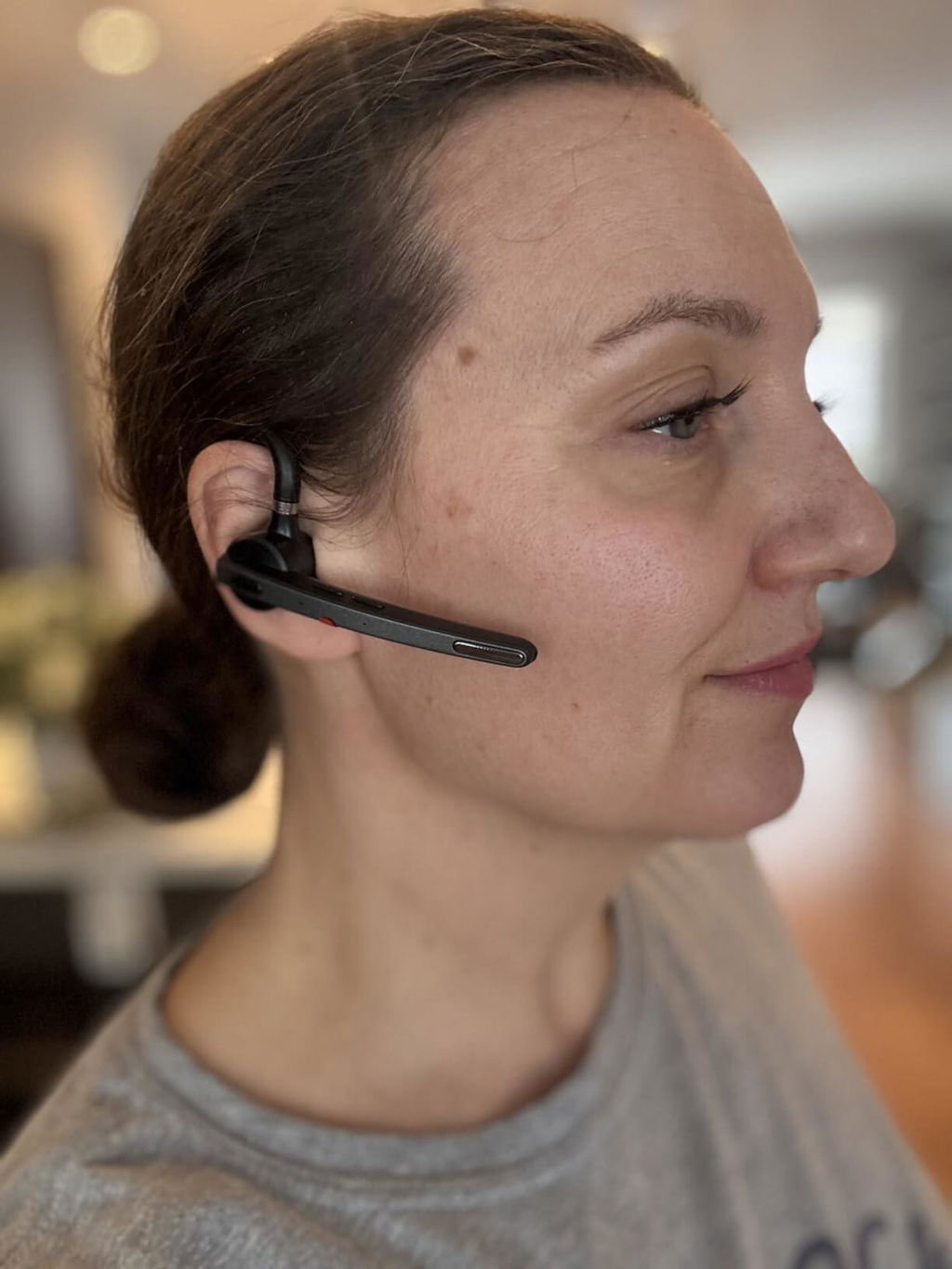
The lightweight earhook design ensures a secure fit that closely conforms to the ear, reducing the risk of accidental drops. It provides stable and comfortable wear during driving and daily use, enhancing both safety and convenience.


Earbuds Battery Capacity 85mAh
Charging Case Battery Capacity 500mAh
V5.1
QCC3020
Headset, HFP, A2DP,
AVRCP, HSP
13mm
15m
Earbuds Weight15g
Charging Case Weight57g
Standby Time Approx. 6 months
Talk Time (Single Charge) Approx. 12 hours
Music Playback (Single Charge) Approx. 15 hours
Earbuds Charging Time Approx. 1.5 hours
Case Charging Time Approx. 1.5 hours
Sure. Compatible with devices that have Bluetooth functionality.
But The headset does not support answering calls,mute and redial last number by computer or ipad.
- Mute,answering calls and redial the last number are only supported by mobilephone.
They can be charged in two ways. If you forget to bring the charging case, it's no problem. The headset feature a dedicated Type-C charging port for direct charging.
Alternatively, you can charge the earpiece using the charging case.
Please try resetting the headphones. Make sure you choose the M54 for audio input/output when in a call, but not the speaker on your cellphone.
In power-on state, press the multifunctional button and volume up button at the same time for 6 seconds. When hearing the voice prompt of "power on, pairing", the bluetooth headset has been restored to factory settings.
Step 1: Turn on the headset.
Step 2: Turn on the walkie-talkie,Then Search and click for "M54" in Bluetooth settings.
Step 3: Headset prompt "connected". Click the multifunctional button, the headset indicator goes out and then start to use.
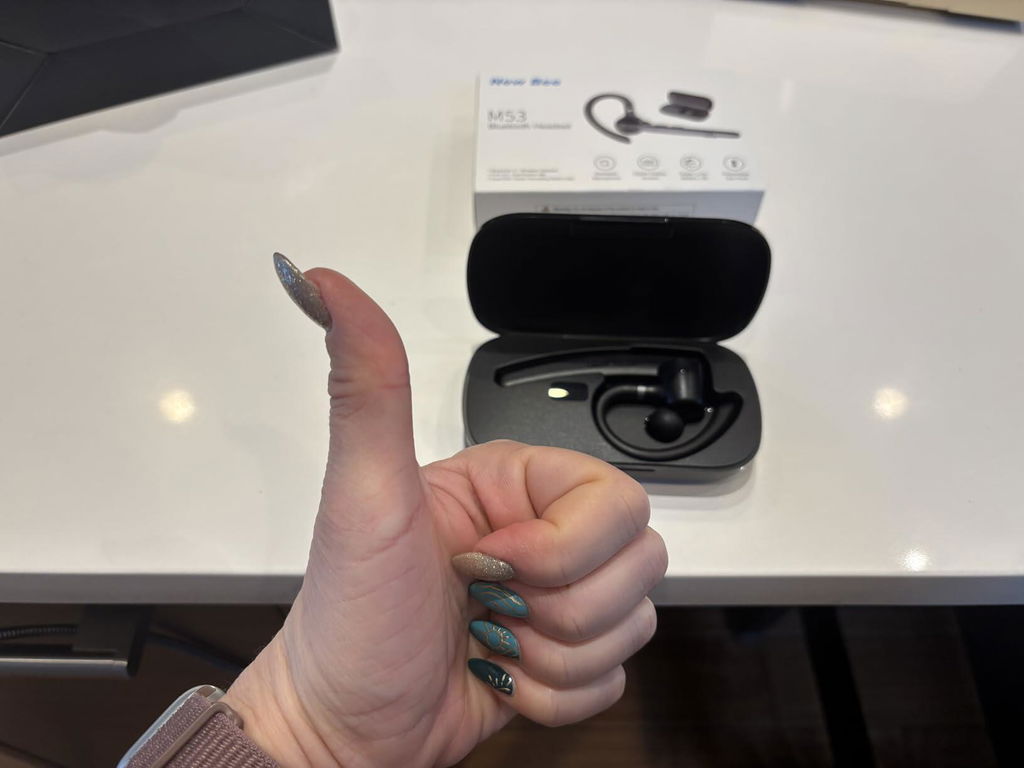
Love this headset!
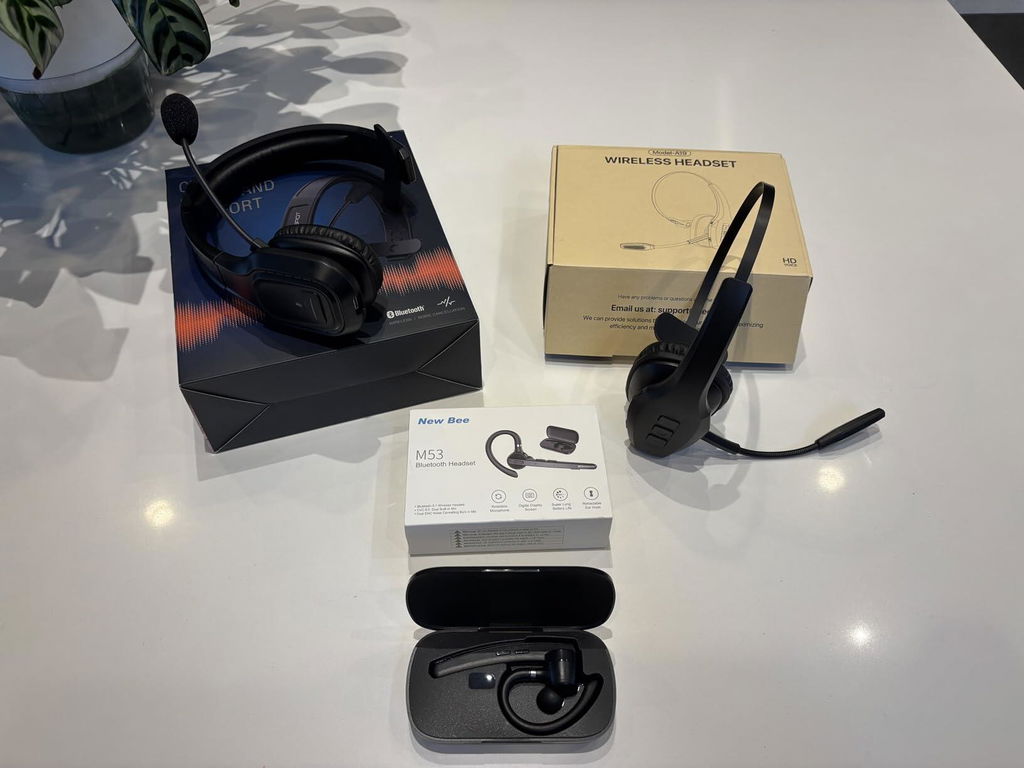
I bought 3 from Amazon to test them out. Hands down this one was the BEST for portability, sound quality, value and comfort while using it. I took pictures of the others I tried (over the head headset type) and the sound quality wasn’t as good (for the listener, I tried them all out on the same day, under the same conditions), plus the one with the wire headband kept getting caught in my hair which was super annoying!!! Immediately hated that one (on the right in the photo, do NOT get that one if you have long hair!!!)
These headsets are amazing! The connection is clear, the mic works great, super lightweight and does not hurt my ears. Battery life is great although I only use mine to listen to calls and every so often when I have to speak in meetings. Overall great headset for the price! :)
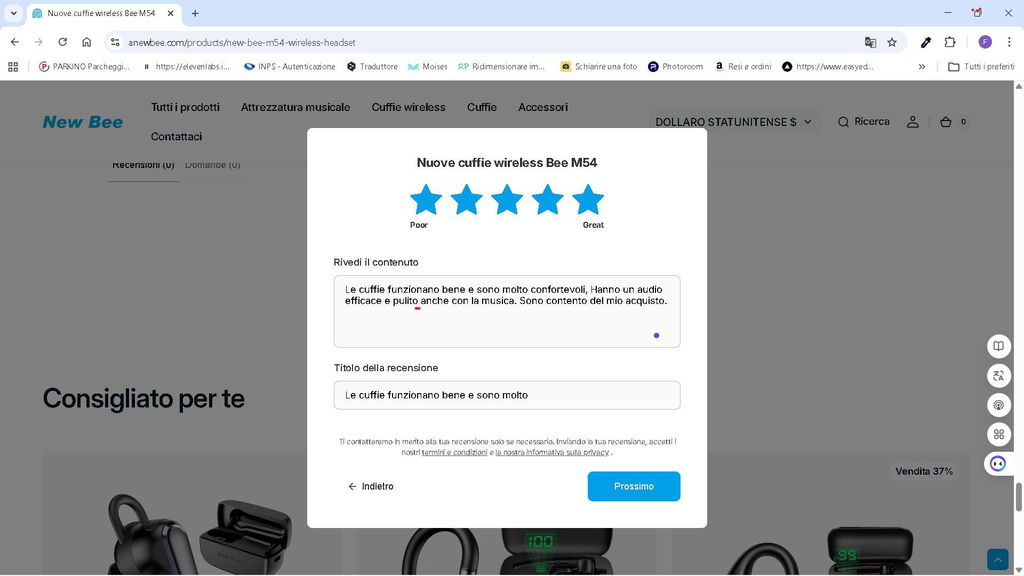
Le cuffie funzionano bene e sono molto confortevoli, Hanno un audio efficace e pulito anche con la musica. Sono contento del mio acquisto.
Nice fit and good sound. It looks like that I can be heard OK.
Very good!
arrived late but the best Bluetooth in my opinion
I'm very satisfied with this product. I will buy a second one for my girlfriend.
Very comfortable wearing. Sound is also good. I would buy it again.
Well manufactured, great storage box, easy to operate, convenient for those of us who prefer a headset while driving without the distraction of finding the phone on button, (think 6 speed Porsche). Shipping from China took 10 days which was mitigated with the phenomenal tracking system.
Got the new M53, much better than the last model and the fits better too.
It's a very nice headset, but I don't like how it automatically connects to my phone when I take it out of the charging case. I also don't like how you can't turn off that function. I found that very disappointing, and for that reason, I'll be returning this product for a refund.
Dear customer, if you select the option to 'forget' the Bluetooth information for the earphones on your phone, they will not automatically connect to your phone the next time you use them.
I like them. First, the bad part. I can only take a little bit bit one spot presses my ear, until pain occurs. Maybe my ear shape, or something, i dont know. I just adjust and move on. Then move to other ear, if its too much.
Second. These are great. They sound great. They cancel noise perfectly. Other ear buds make up a noise, in answer to cancelling. But these actually cancel the noise, cleanly. I bought two, and one does sound better then the other. I tend to use ir less, but the good one is used a lot. I just think these are designed very well, except for the ear pain thiingy. But, like i say, i just adjust or easily switch ears when needed.
First off the audio quality is amazing. The noise cancelling is superb and everybody thinks I'm on a ISD line. The fit is comfortable for all day use id needed, and the battery life simply outlasts any ear piece on the market, the charging case is so simple and being able to direct charge is fantastic. Pairing is a breeze with any phone and or computer. Well done New Bee, and thank you for a wonderful product.
I bought the New Bee M54 Wireless Headset because my father is a professional chauffeur. Before purchasing, I emailed customer service with questions about setup and shipping.
Julia was fantastic and detailed in addressing every concern. The headset arrived quickly, is easy to set up, and the noise-canceling microphone works perfectly for professional driving. Highly recommend!
It pairs quickly and easily to all my Bluetooth devices. The quality is exceptional! And, the sound is high quality and loud enough for me to mow grass and listen to music.
The M54 is a good headset and offers excellent value for money considering its price and performance.
I tested it alongside the Yealink BH71 Pro, which overall delivers better performance. The audio quality of the BH71 Pro is a bit softer and more refined, whereas the M54 sounds slightly harsher and louder.
That said, the call quality of the M54 is still clear, and people on the other end of the call can hear you well.
👍
Perfect sound good fit
This hands-free Bluetooth headset is an excellent option if you are looking for comfort, good performance and practicality on a daily basis. Its ergonomic design with ear hook fits very well, which makes it perfect for long hours of use without discomfort, whether working, driving or doing activities.
The sound quality is clear both in calls and in music, and the microphone captures the voice clearly, greatly reducing ambient noise.
Bought this because i was tired of paying expensive prices for headsets that dont last very long, or really arent that great in performance. I am a truck driver so I need a hands free headset, that has good noise canceling. Does an amazing job of blocking road noise for the other side of the phone. Flawlessly connects to Bluetooth when answering calls. Battery life is amazing for how small this is. Super light and comfortable. I barely notice its on my ear. Sound is fantastic, actually I have to leave it at about 75% volume its so good. My favorite part is the fact that it has a small rubber earpiece that fits in the ear. I cant wear the ones that are like apple earpods as they are way to big and dont fit my ear. Has a nice protective case that charges it. Wouldn't hesitate to buy another and I just might to have a backup for the road.
So far has been a nice headset. It's lightweight and not big and clunky on your ear so you're not getting ear fatigue. Nice charging case to store and keep charged. I've been impressed with the sound quality along with clarity of the speaker. Very easy to connect as well. Hopefully it holds up as it's a nice ear piece!
This is a sleek and easy to use headset. It took just a few seconds to connect to my iPhone. I like the placement and the feel of the controls on the boom; the buttons are easy to find with your finger and have a satisfying click when pressed.
The earpiece itself is very light, the headset doesn't feel bulky at all. The ear hook is soft and comfortable.
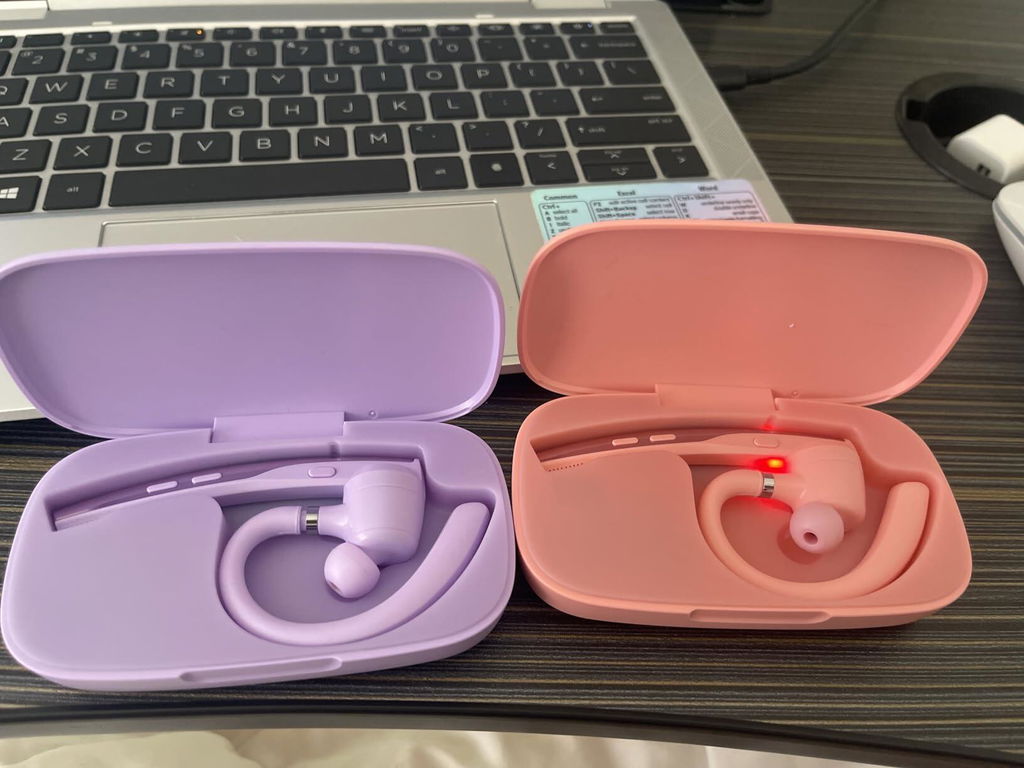
It comes in a nice charging case with an LED readout showing battery level. The headset pops into place with a magnetic hold.
A very good buy overall.
Alleen maar lof
Je l’utilise tous les jours, il est parfait
Les interrupteurs m’entendent mieux que sur haut parler de mon iPhone, les bruits ambiants sont amoindris
Je recommande
This Bluetooth headset has been great to use. It fits fairly well. The mushroom tips are not made to hold well in the ear. The sound quality is very good. It can be heard well in noisy environments. Listeners have reported hearing well with little background noise.
How to activate Siri with iphone?
Dear customer, simply double-click the mute button to wake up Siri; you will hear a prompt tone after double-clicking, at which point you can issue commands to Siri.
Can you connect it to a phone? I work in office & on phone a lot. I want a wireless hand free option
Of course, the M54 can connect to a variety of devices via Bluetooth, including various models of mobile phones.
Have this headset an app to settings?
Hello! This headset does not require any app installation to use.